The software can be downloaded from the https://snono-systems.com/products/sas-radius/ website 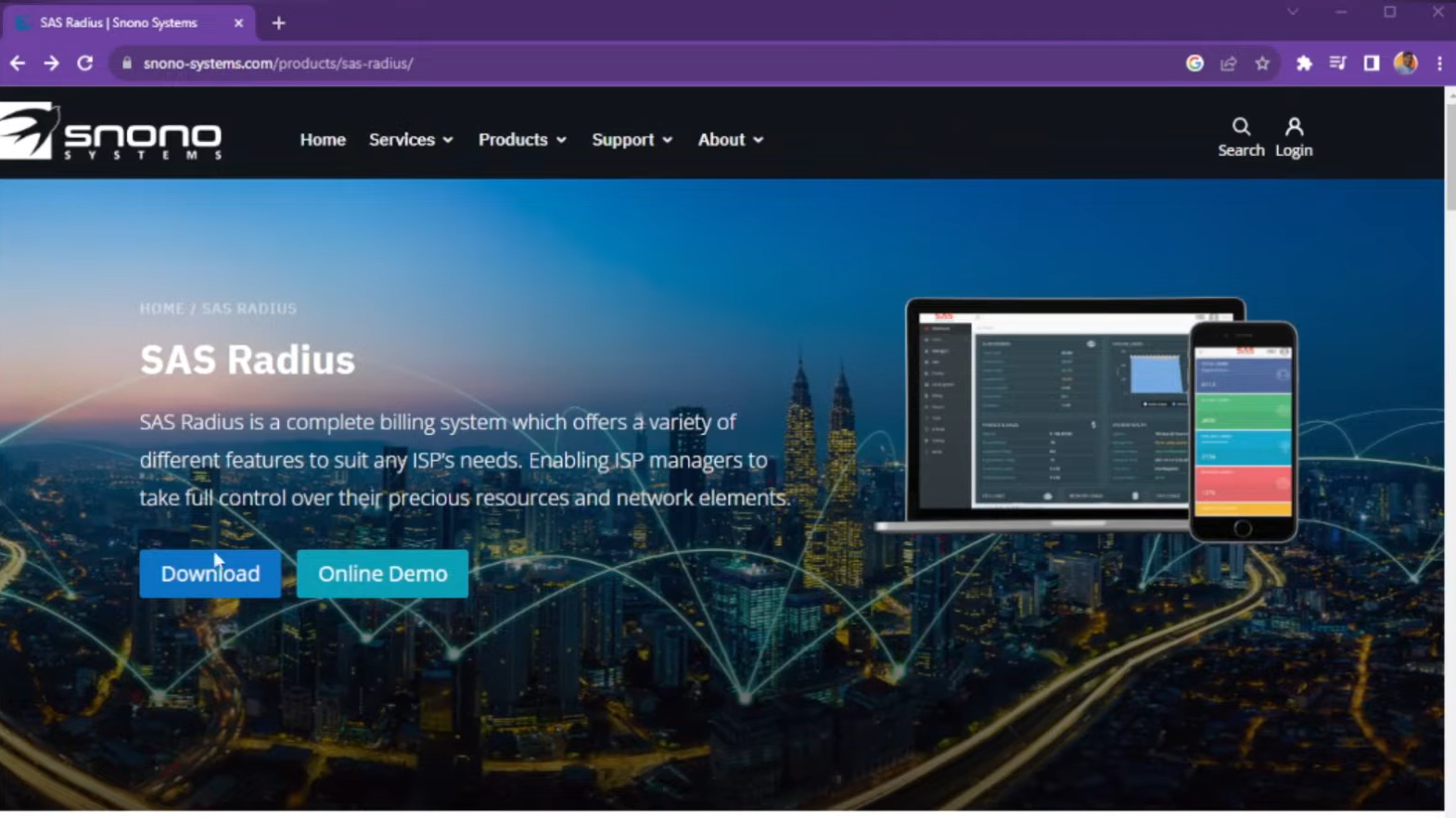
There is a free version available for testing, limited to 50 users. Paid licenses are available for ISPs. 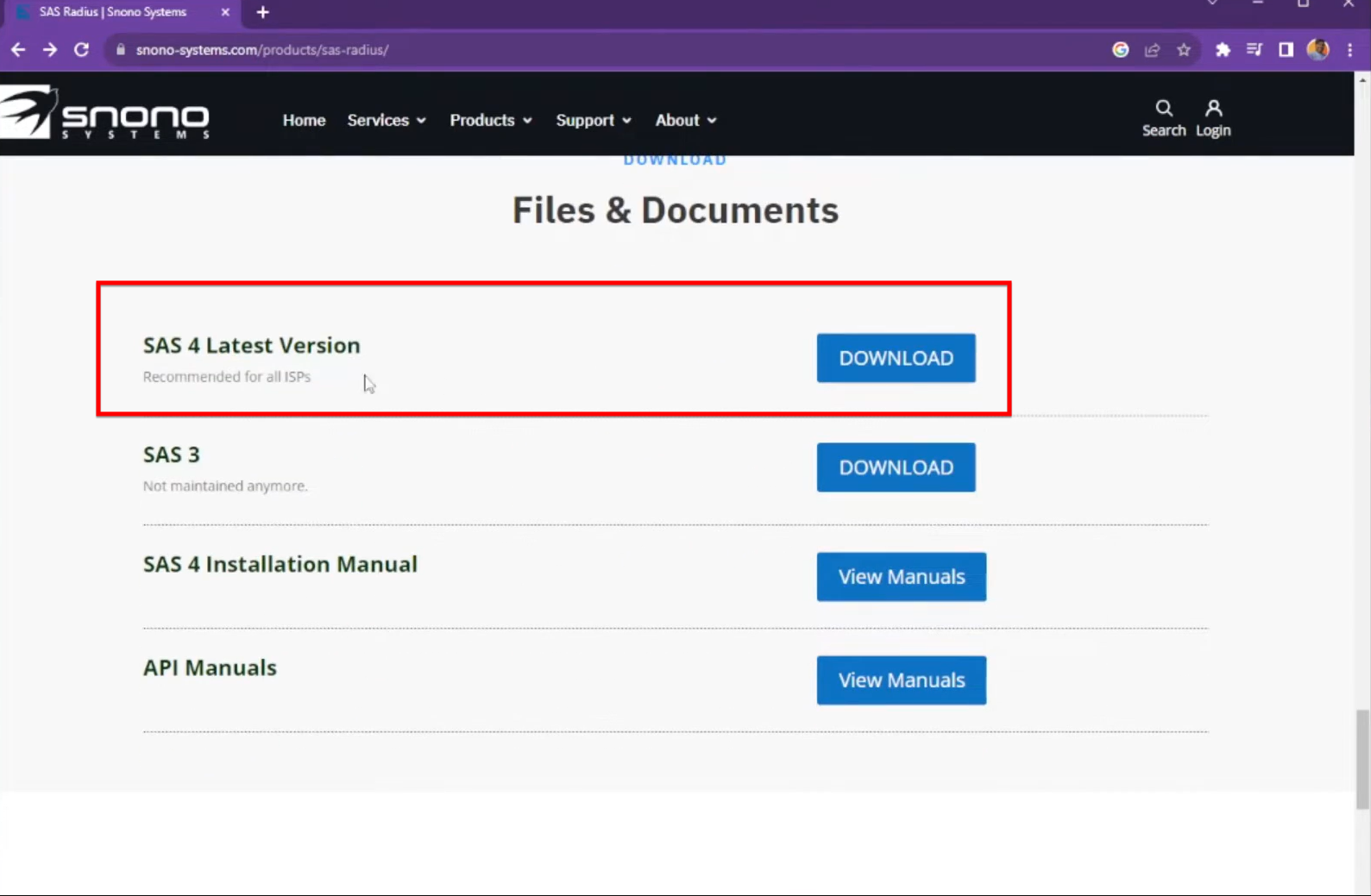
Virtual Machine Setup (VMware):
The narrator uses VMware Workstation to create a new virtual machine using the downloaded ISO file.
The OS is automatically detected as Ubuntu 18.04.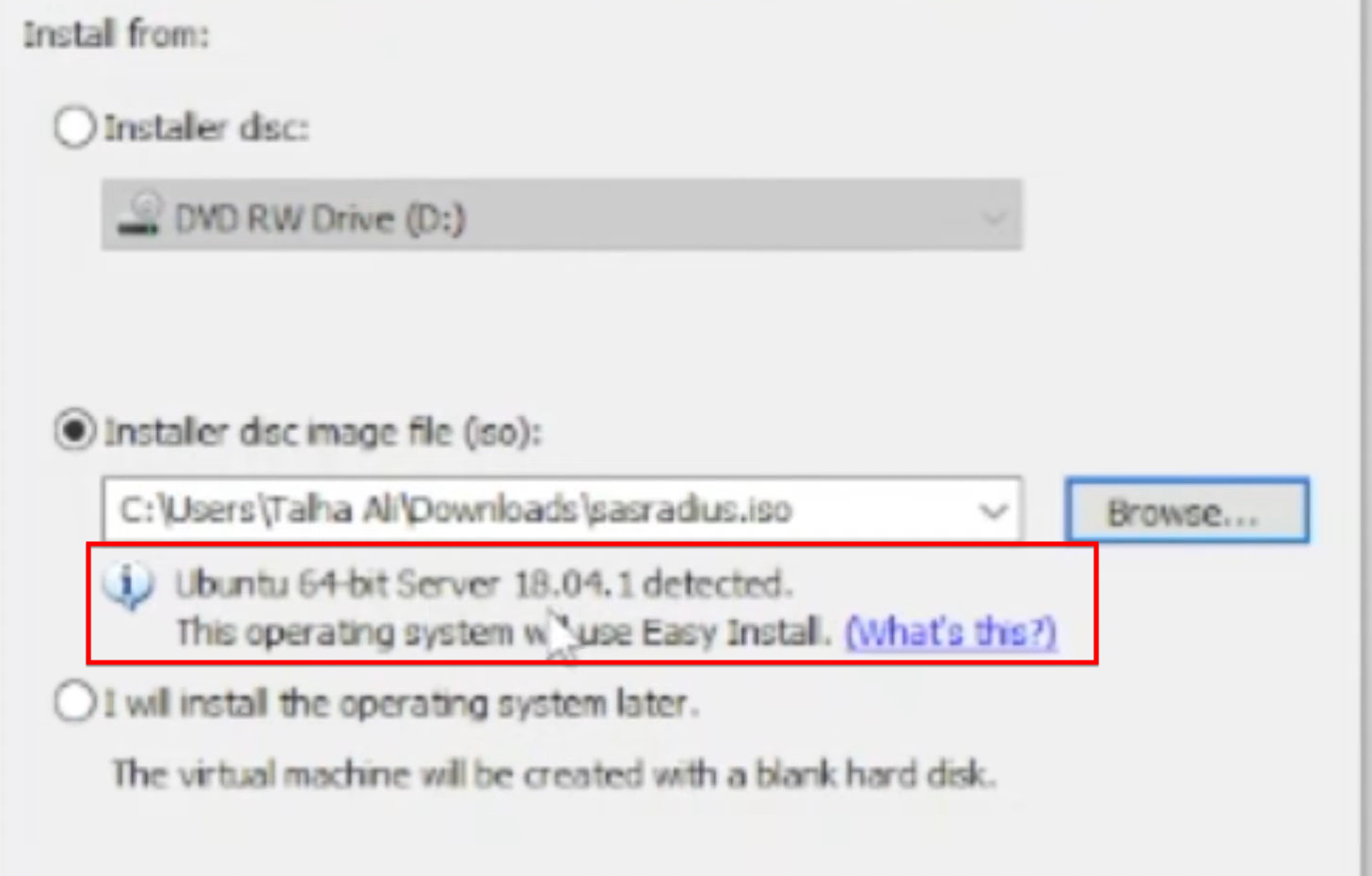
Recommended hardware settings used in the video include 8 CPU cores, 8GB of RAM, and a 250GB disk.
Once the installation is complete, the default system login is:
Username: sas
Password: sas123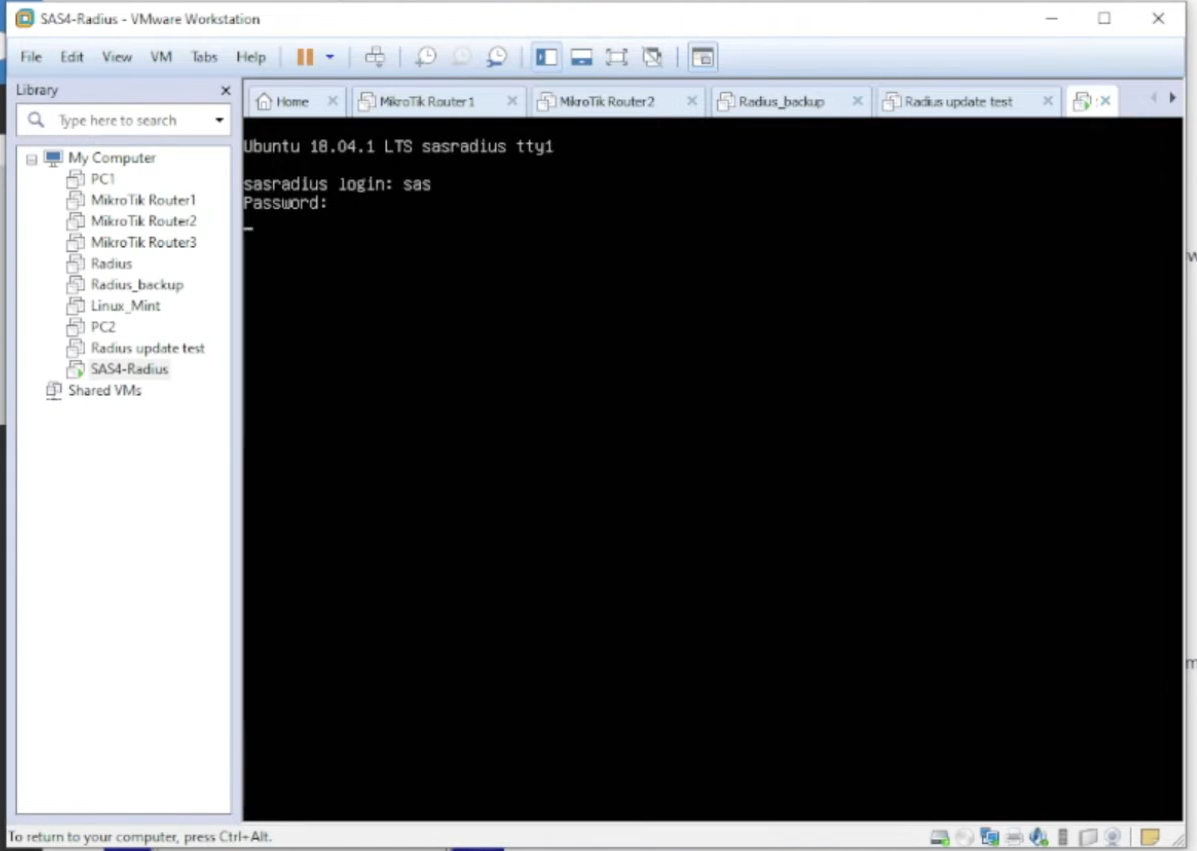
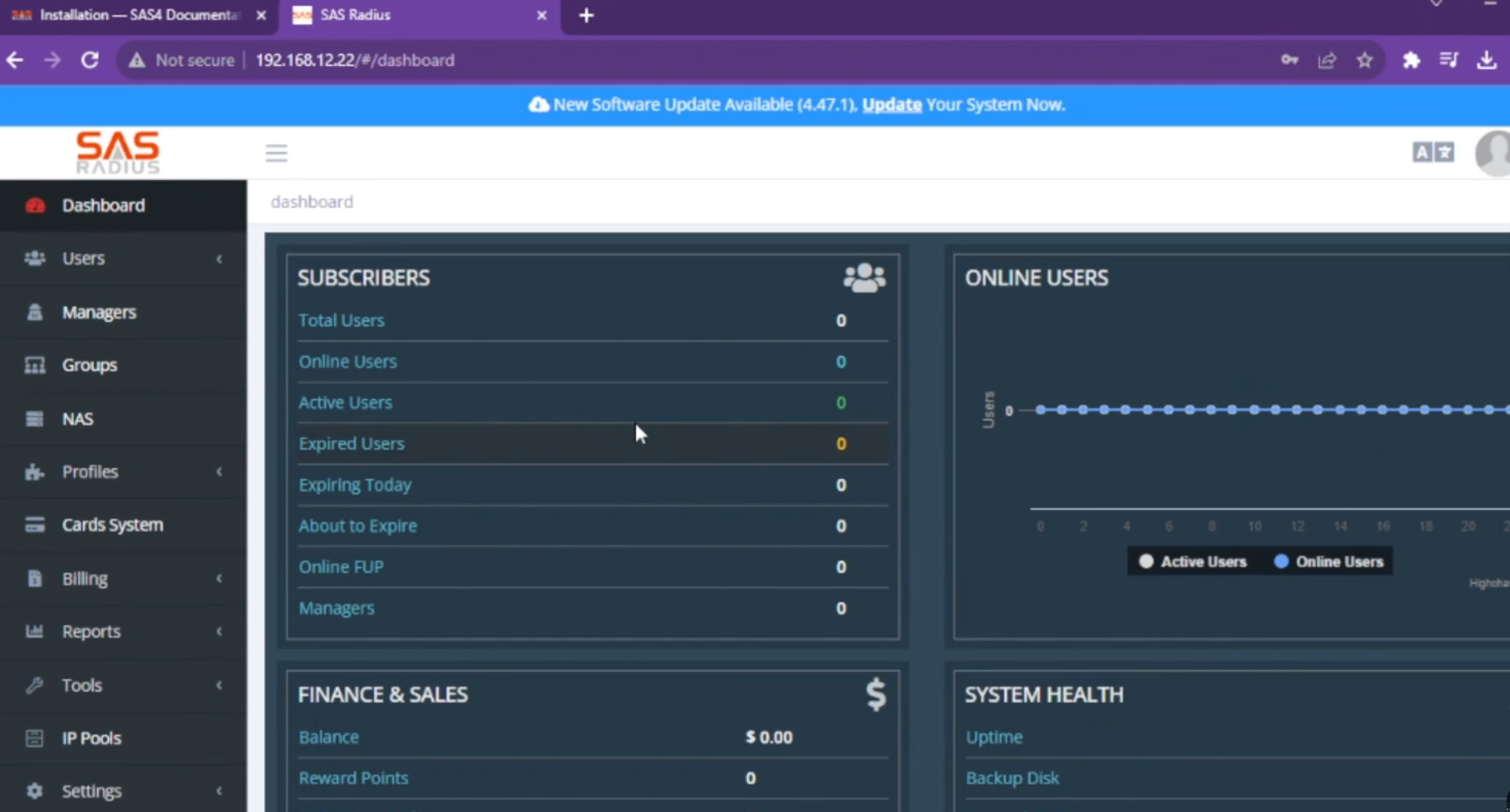
After logging in via the terminal, you must configure the network settings, including the IP address, Gateway, and DNS. In the video, the IP 192.168.12.22 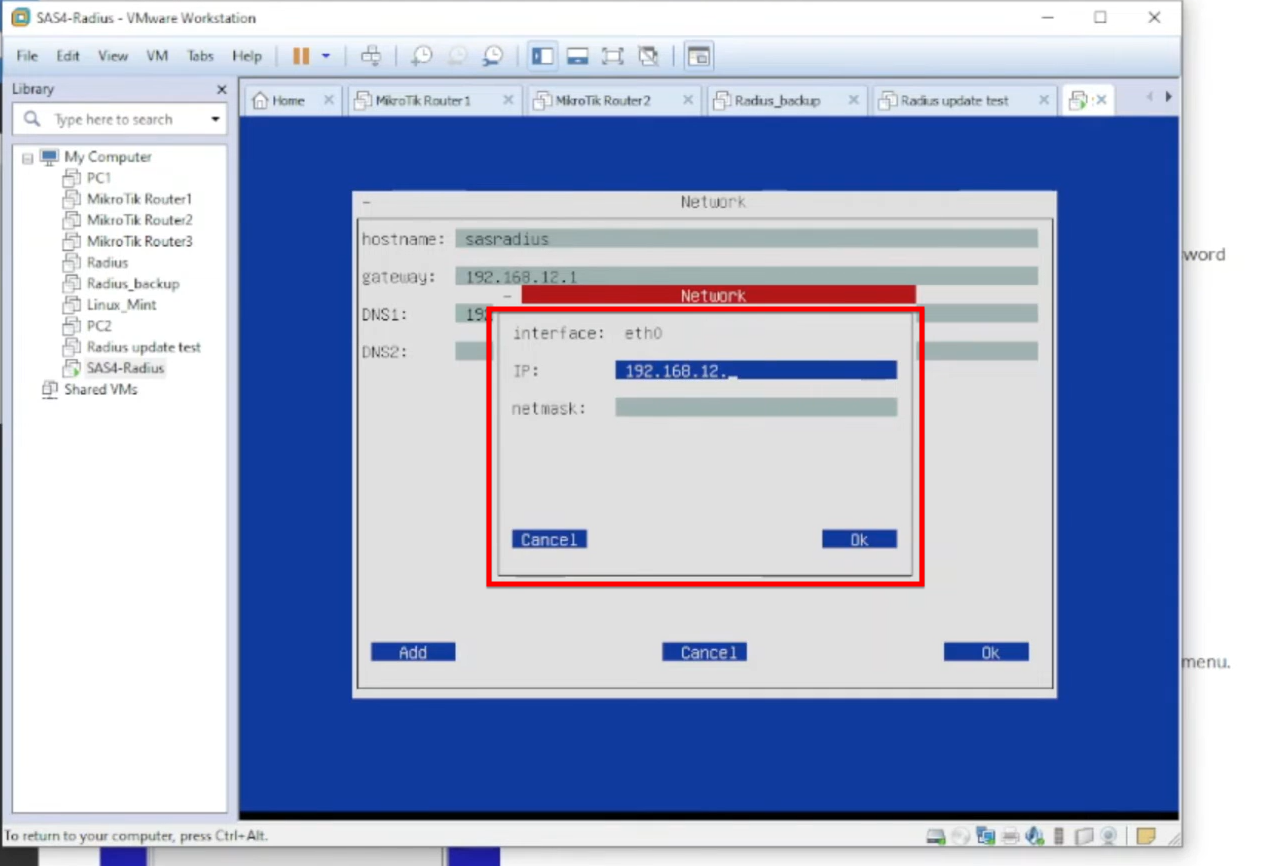
Accessing the Web Interface:
Open a web browser and enter the assigned IP address 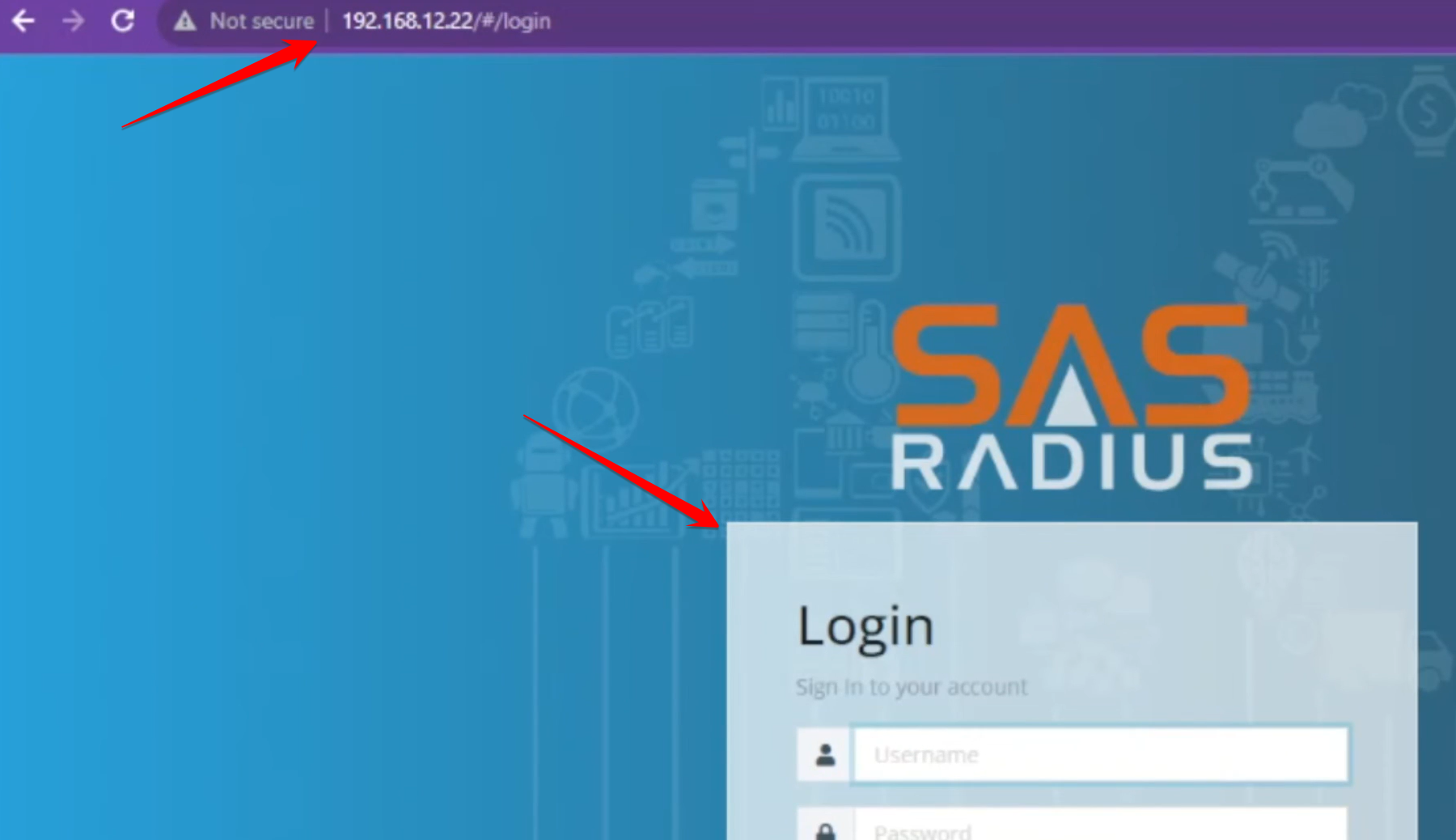
The default credentials for the web management portal are:
Username: admin
Password: admin
The video ends by confirming a successful login to the SAS4 Radius Manager dashboard