Step 01:
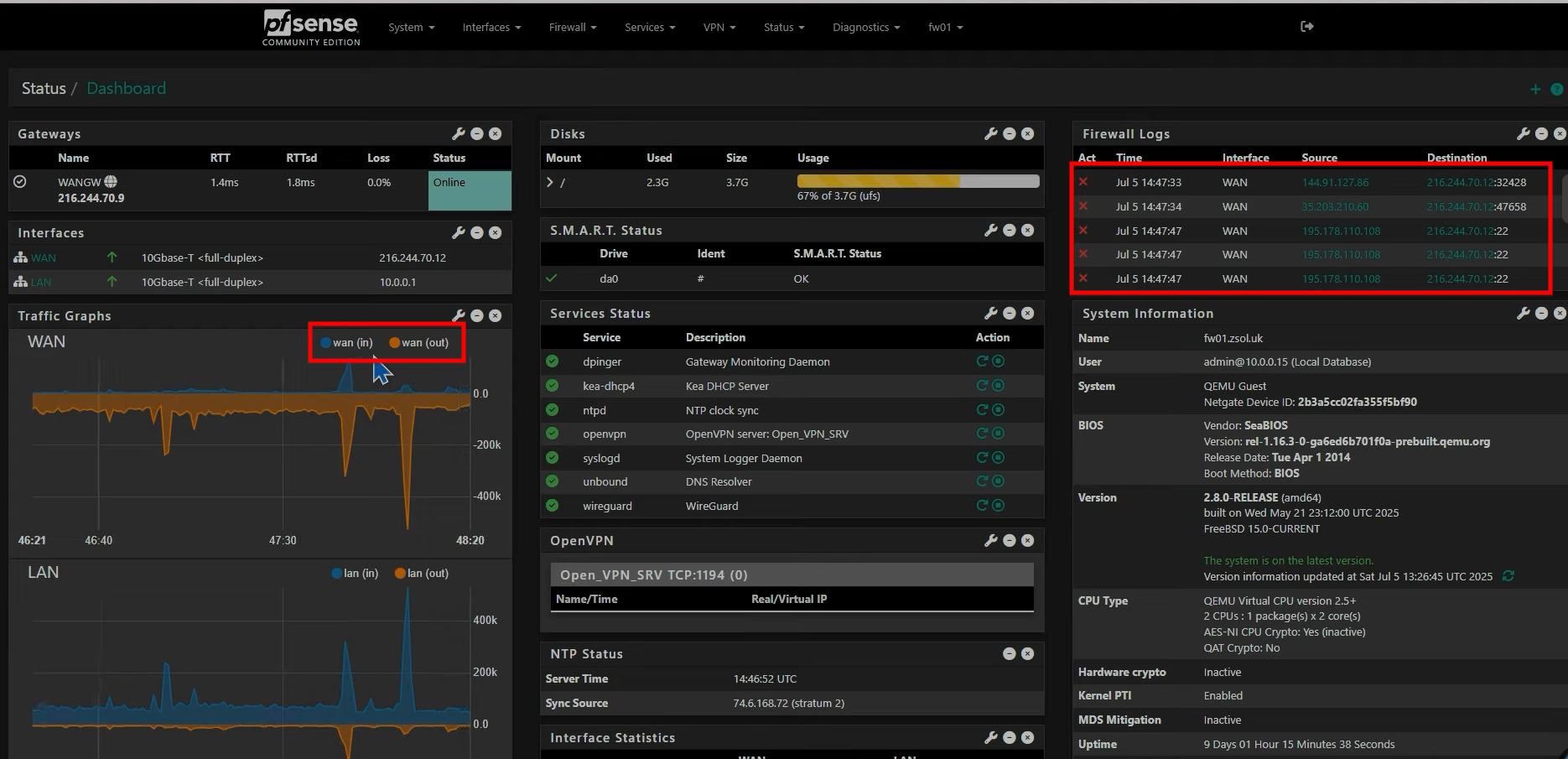
- A firewall acts like a security guard or a bouncer, deciding which traffic can enter (inbound) or leave (outbound) a network.
- By default, pfSense blocks everything to maintain security.
- Traffic coming from outside your network (e.g., someone from another country accessing your PC).
- Traffic initiated from within your network to an outside destination (e.g., accessing a website).
Step 02:
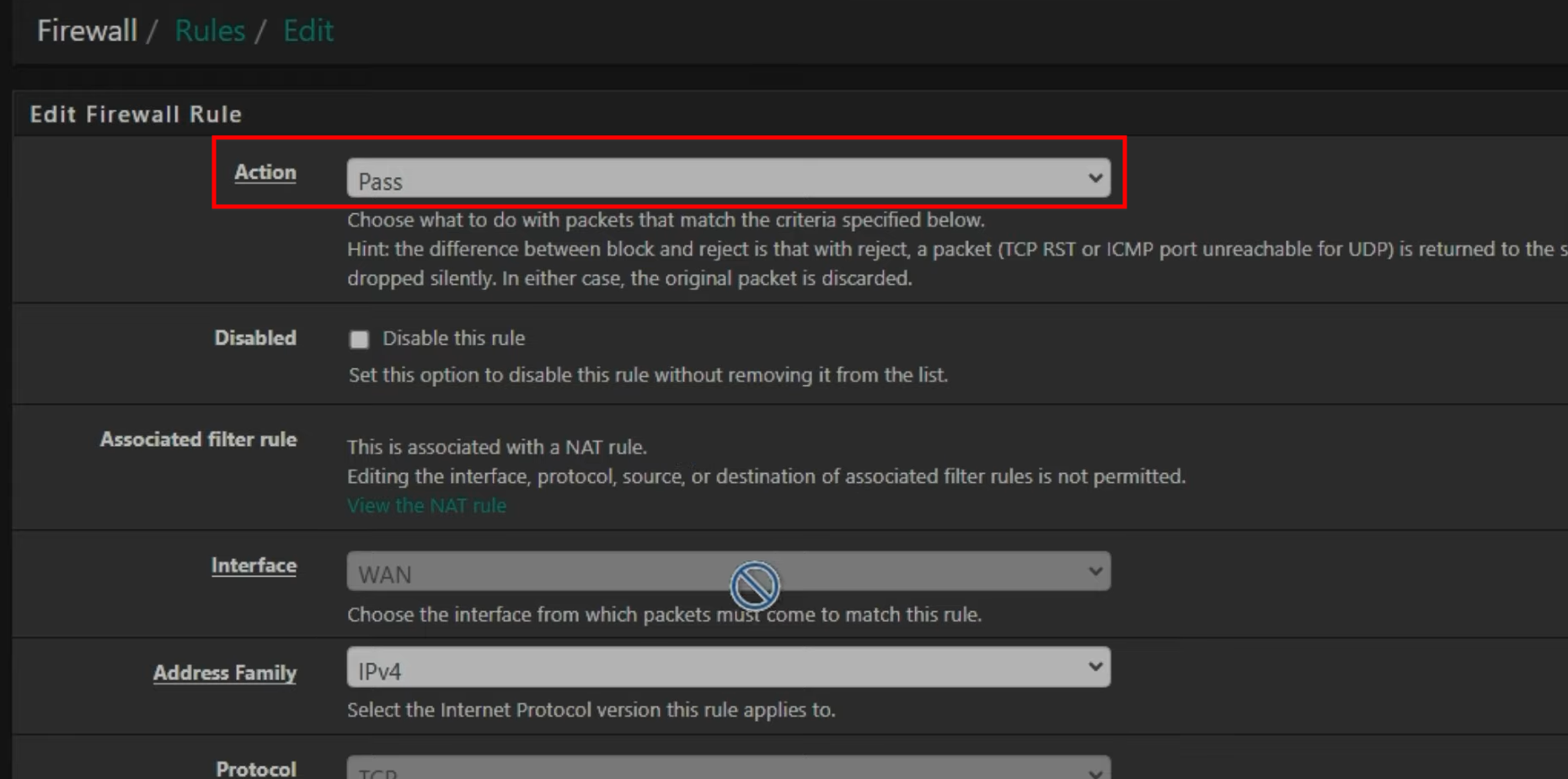
- When creating a rule, there are three primary actions:
- Allows the packet through.
- Drops the packet silently; the sender doesn’t know what happened.
- Drops the packet and sends a notification back to the sender that it was rejected.
Step 03 :
- To set up a rule, you define:
- Interface: (e.g., WAN, LAN).
- Address Family: IPv4 or IPv6.
- Protocol: (e.g., TCP, UDP).
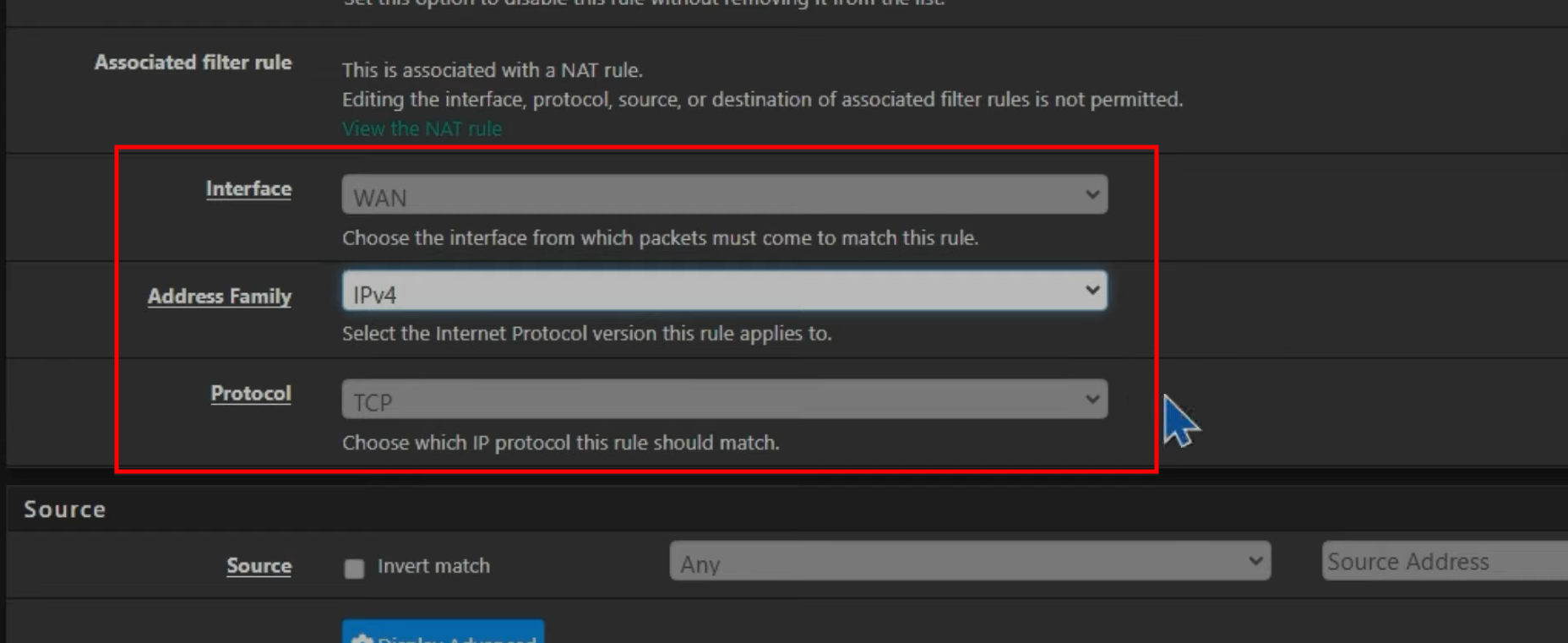
- Source/Destination: Specific IP addresses or entire networks.
- Port: The specific service port (e.g., 443 for HTTPS).

Step 04 :
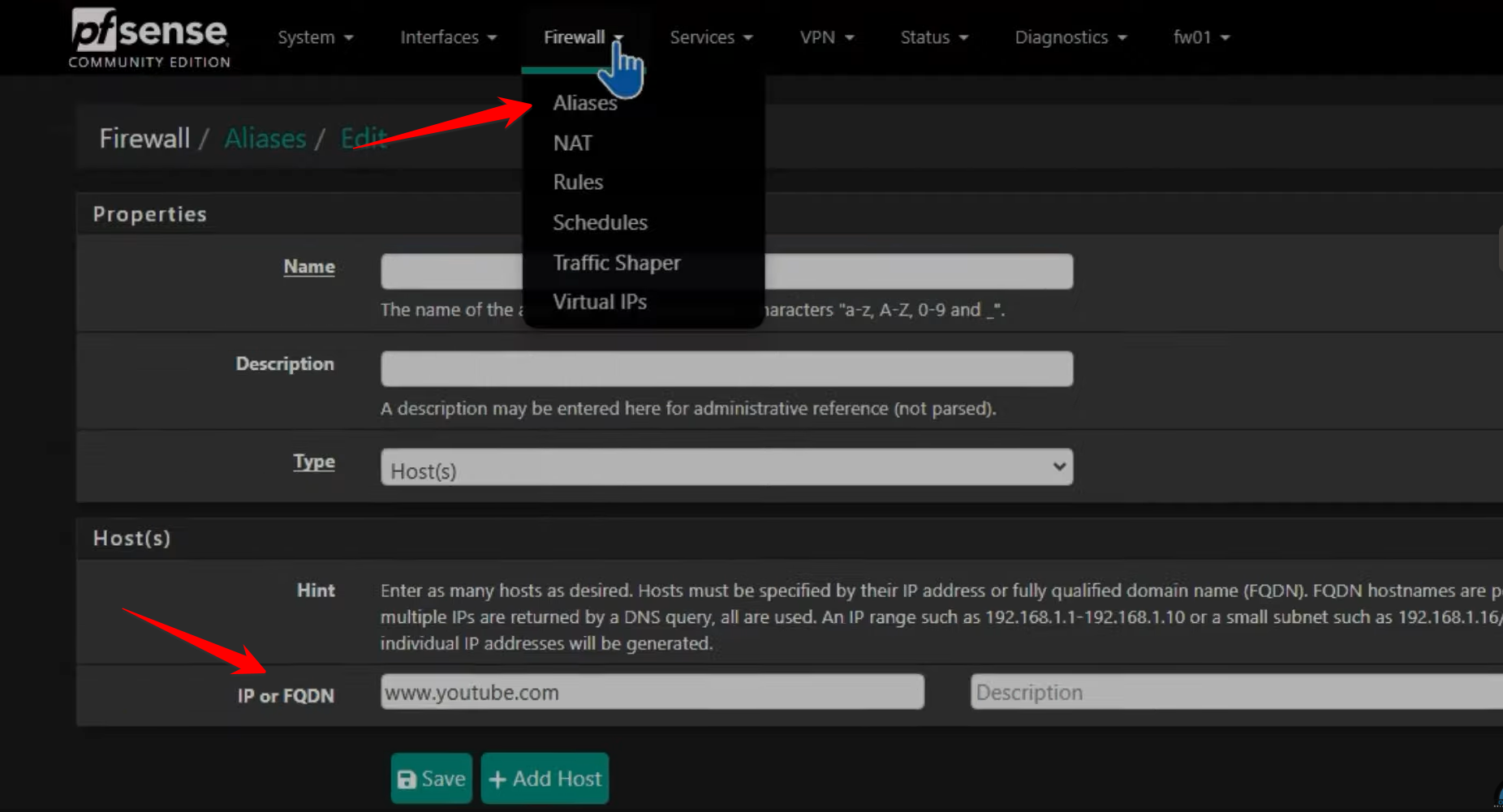
- To block a site like YouTube for LAN users, you can create an Alias for the domain and then create a LAN rule to block traffic to that alias.
-
This allows traffic from the internet to reach a specific device inside your network using only one public IP address. It works like a mail forwarder, redirecting requests to the correct internal server.