
Sometimes, little things can become headache like testing upload and download speed on linux server using the command line, Since I am an old school user of linux I had saved a python script somewhere I forgot and I had this frustrated feeling that I know a lot about linux and I am struggling with speed test. So after a little research I was able to find that It’s an easiest straght forward process to check the internet download and upload speed on Linux server Cli.
STEP 1 : Index update
apt update
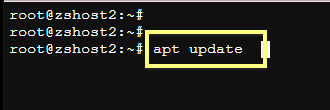
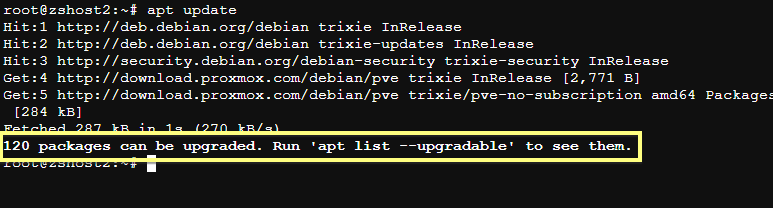
Make sure update goes smooth with out any errors, if there is any error make sure to fix it ASAP. So the output should look something like below:
STEP2: UPGRADE
If you see a notification like image in above that you have packages those needs to upgraded then issue upgrade command
apt upgrade -y
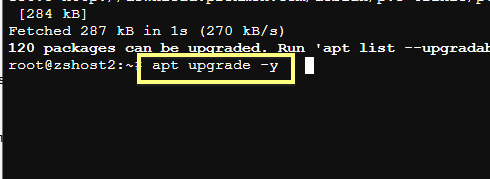
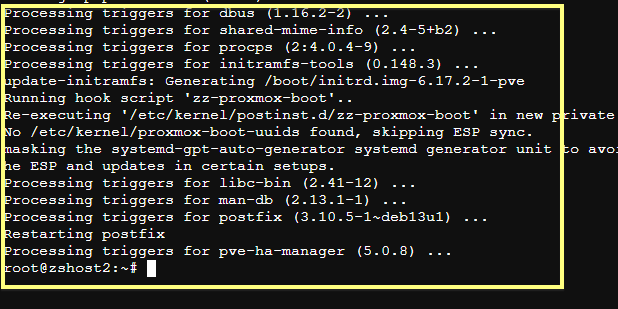
If upgrade goes smooth with no errors, congratulations! your linux server can survive 1000 more years 😀 . The output should look something like below
STEP3: Install Speedtest-CLI
speedtest-cli is the tool from okla speedtest.net which is and have been always really close to accurate. So we will install this tool by using the command :
apt install speedtest-cli
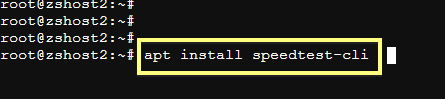
As shown in below image, its less than 1MB utitlity, so it won’t take any time to install. The output should show something like below:
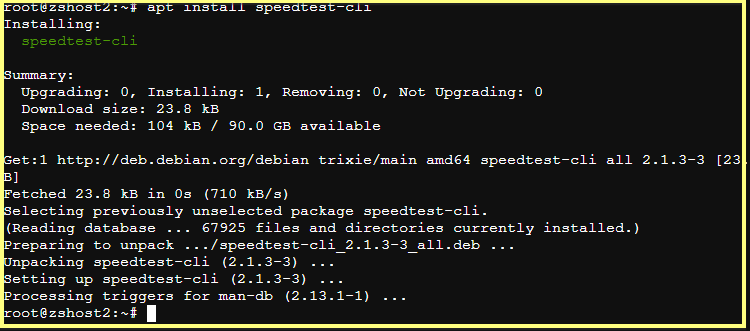
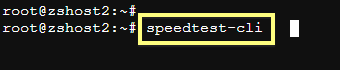
After the success full Install type the command :
speedtest-cli
Speed test result will be something like below:
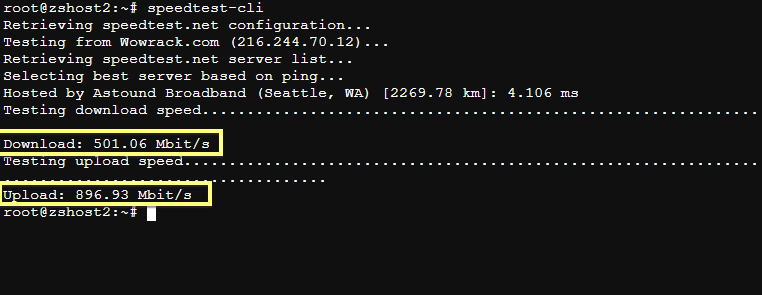
That’s how you test internet speed on Linux servers.
Drop a comment if you have any questions.